How it works
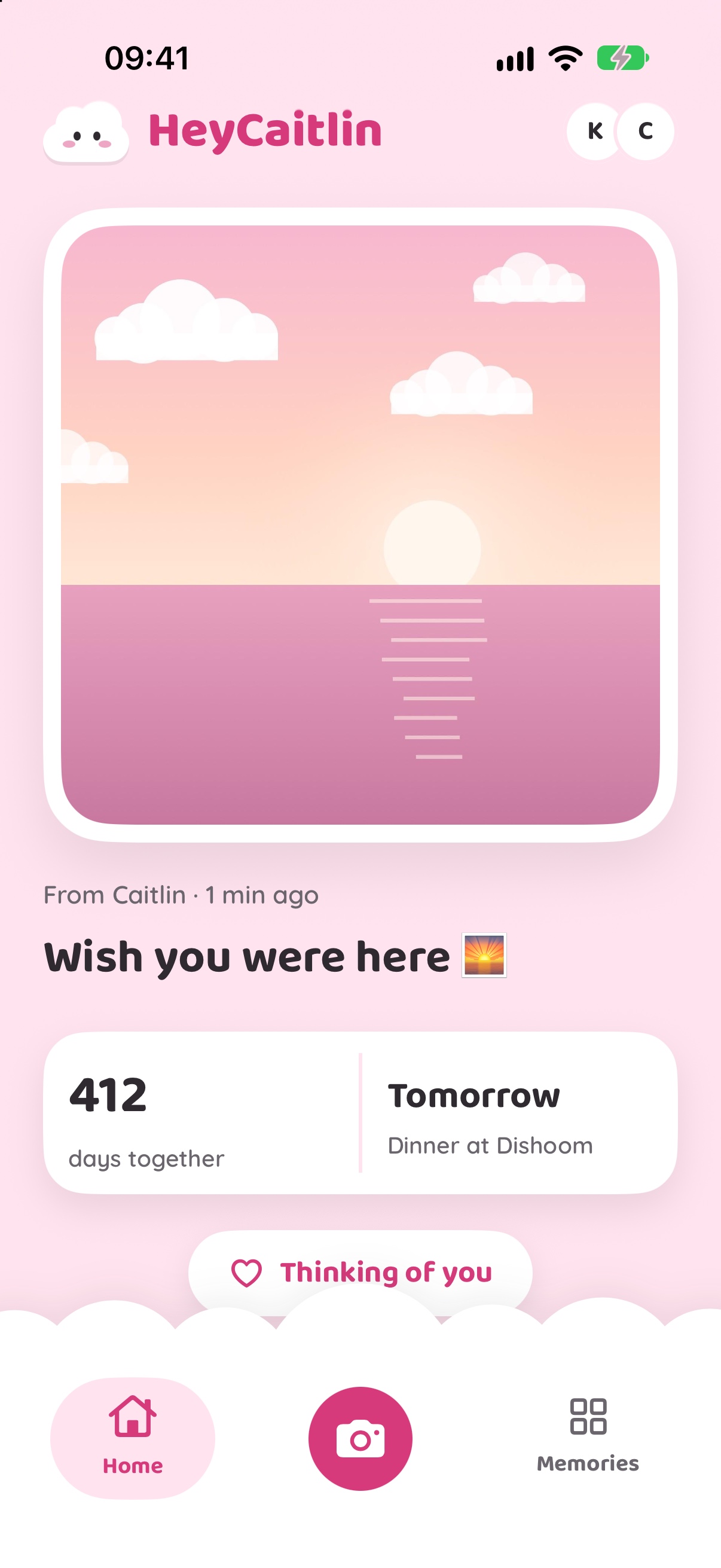
Three taps to their home screen 📸
Take a photo, add a note if you like, and send it.
Take a photo
The viewfinder is the shape of the widget, so what you see is exactly what they get.
Add a little note
Type a caption, or tap a quick one like "Miss you". Then send.
It's on their phone
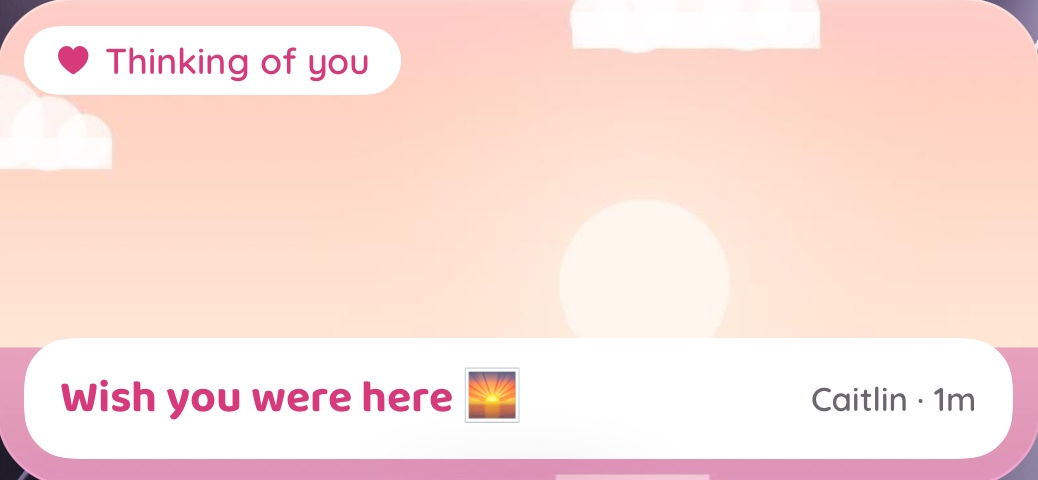
Your photo shows up on their home screen and lock screen without them opening the app.
Widgets
A little window to your person ✨
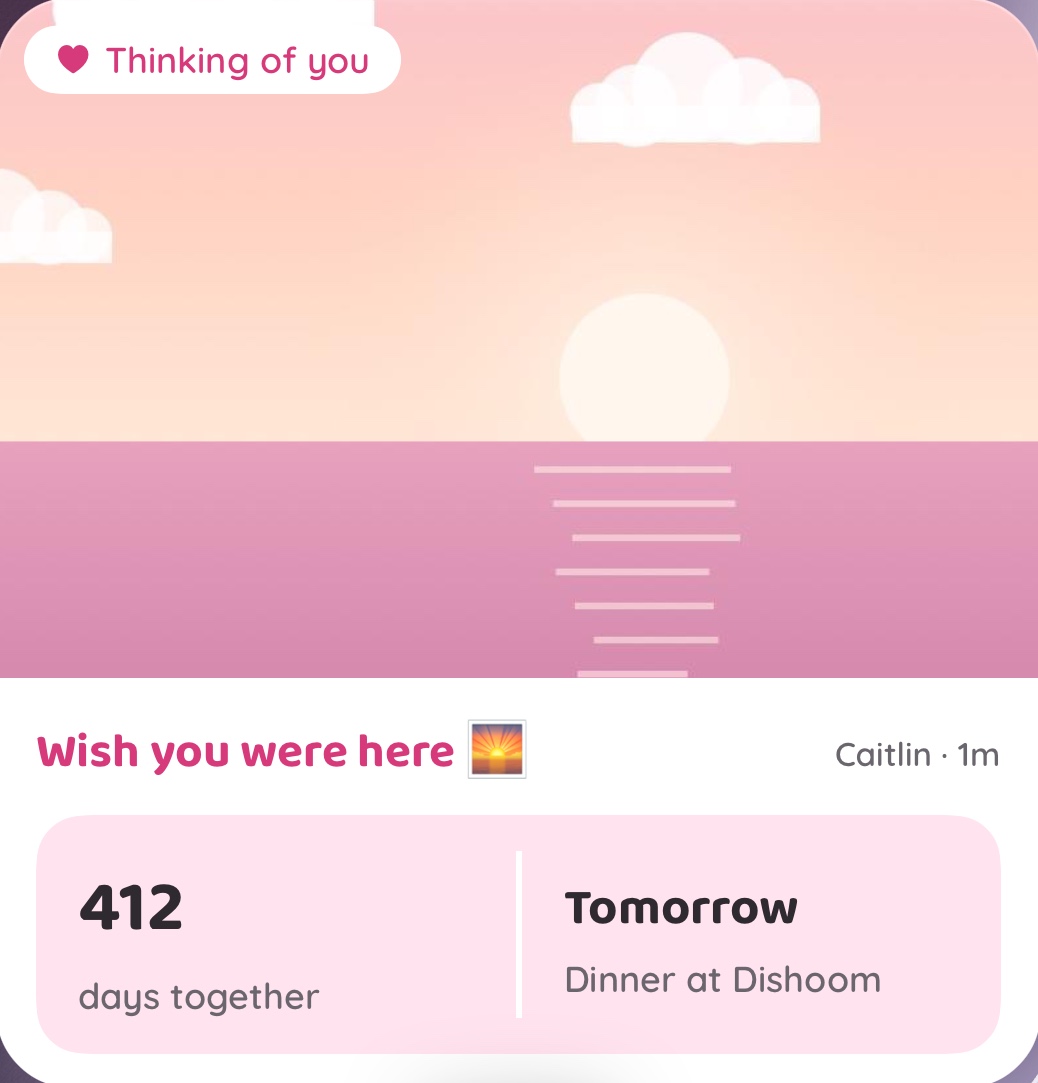
Pick a size, then pick what it shows: their newest photo, your days together, or both.
Thinking of you
One tap that says "I miss you" 💕
No photo needed. Tap the heart and "Thinking of you" turns up on their widget for three hours. They can send one straight back from their lock screen.
here 🌅
Dates
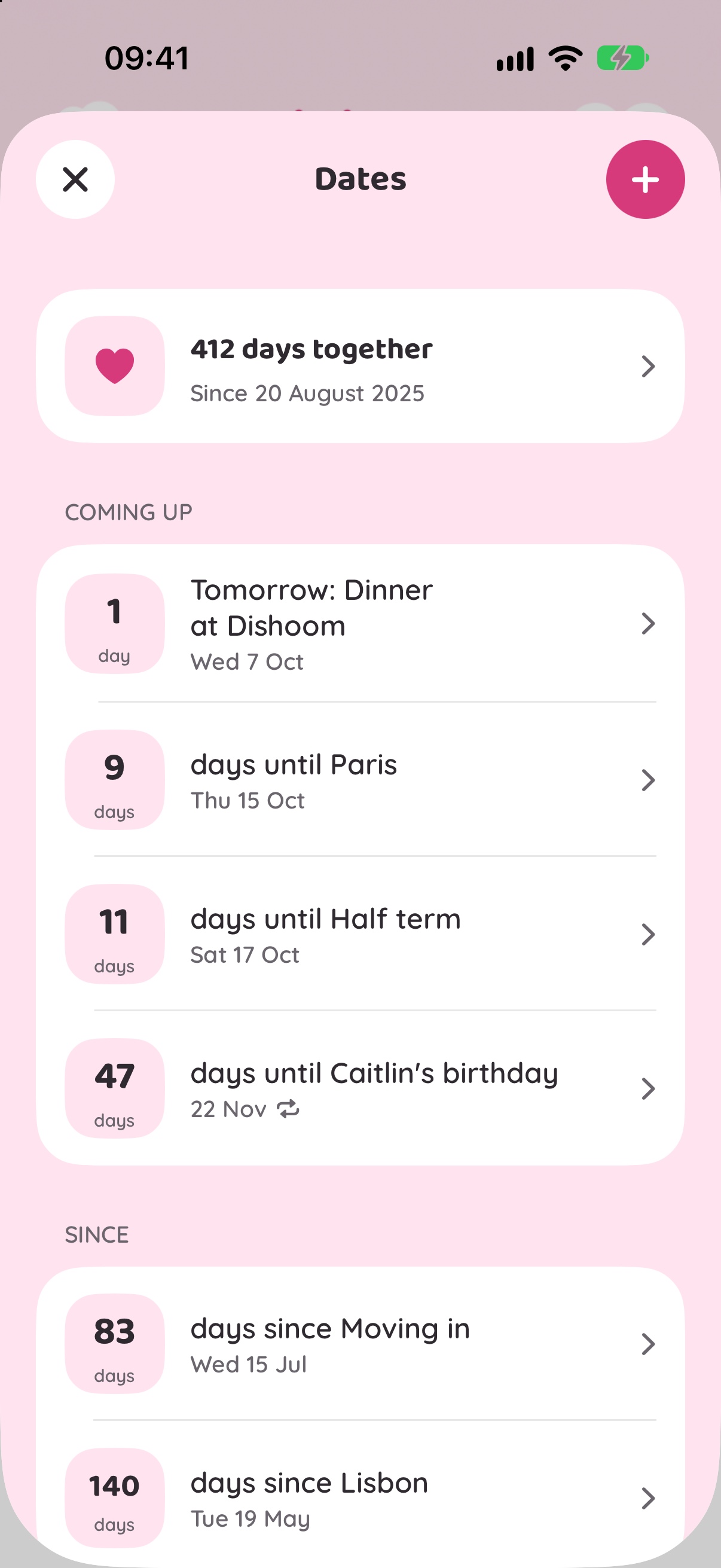
Every date, counting for you ⏳
Keep all your dates in one place. Trips count down, the day you met counts up, and birthdays come round again every year on their own.

Made for two 🥰
HeyCaitlin is only ever you and your person. There are no feeds and no followers.
Coming soon to the App Store